
Available in Listivo 2.3.91 and newer
A Featured package is used to promote an ad that is already published. It adds featured time to the ad but does not extend its expiry date.
Enable Featured Packages
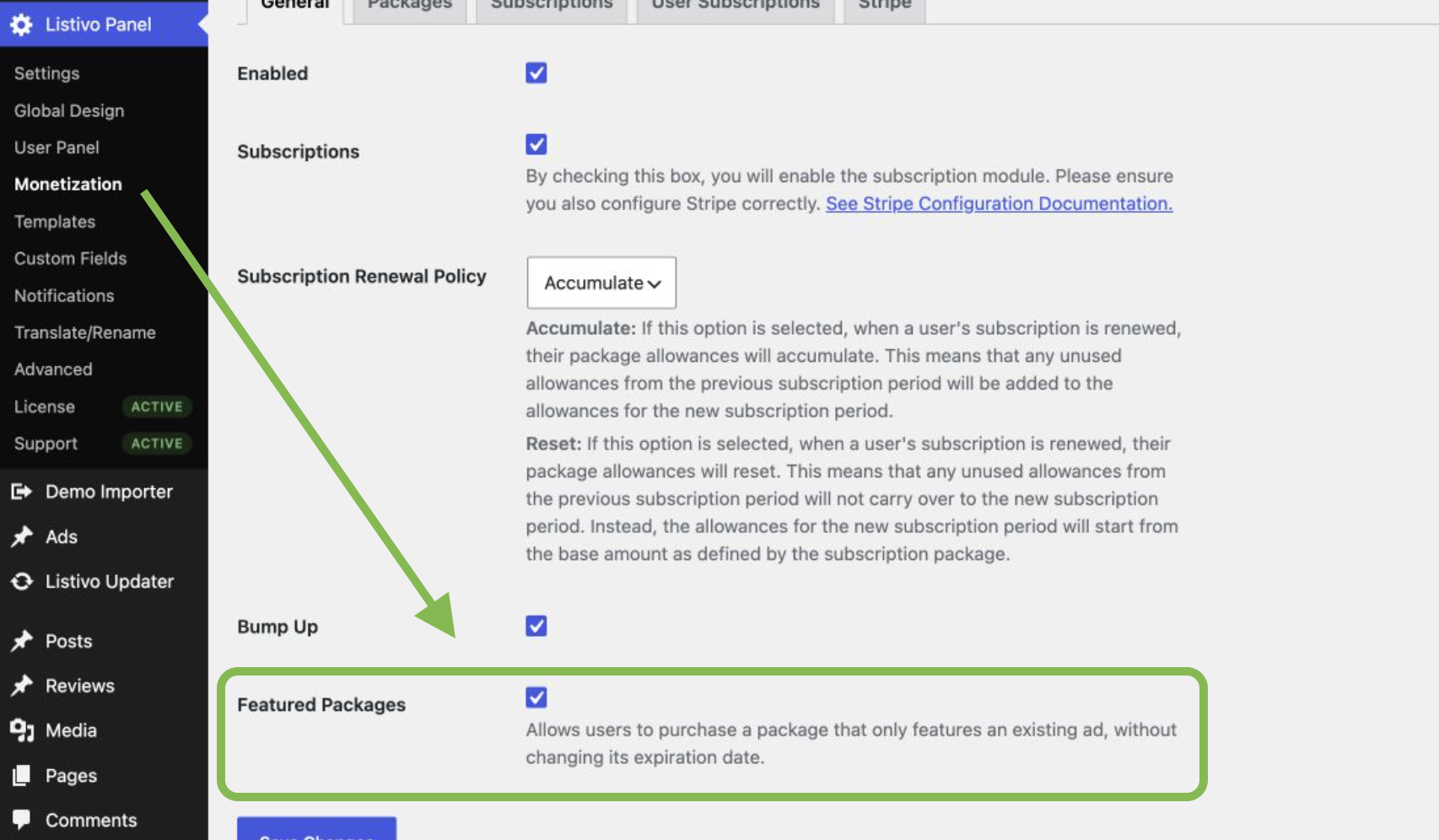
Go to Listivo Panel → Monetization → General, turn on Featured Packages, and click Save Changes.
Add a Featured package
- Open Listivo Panel → Monetization → Packages.
- Click Add New Package.
- Enter a name for the package.
- Select Featured as the package type.
- Click Add Package.
You can now set the package price and choose how many days an ad will stay featured. You can also limit the package to selected categories or account types. Save the package when the settings are ready.
What happens after purchase
The package can be used for an ad that is already live. It does not publish a new ad and does not add extra time to the current ad.
For example, an ad has five days left before it expires. The user buys a package with three featured days. The ad will be featured for three days, but it will still expire on the same date.
To buy the package, the user goes to My Ads, finds the ad, and clicks Promote. The user selects a Featured package and continues to checkout. Once the payment is complete, the featured time is added to that ad.